
Convert speech into text with high accuracy. Whether you’re a professional, student, or enterprise user, it helps you easily organize recordings from call centers, meetings, interviews, lectures, and more into structured, editable text.
Using the Cheetu AI Chrome Extension
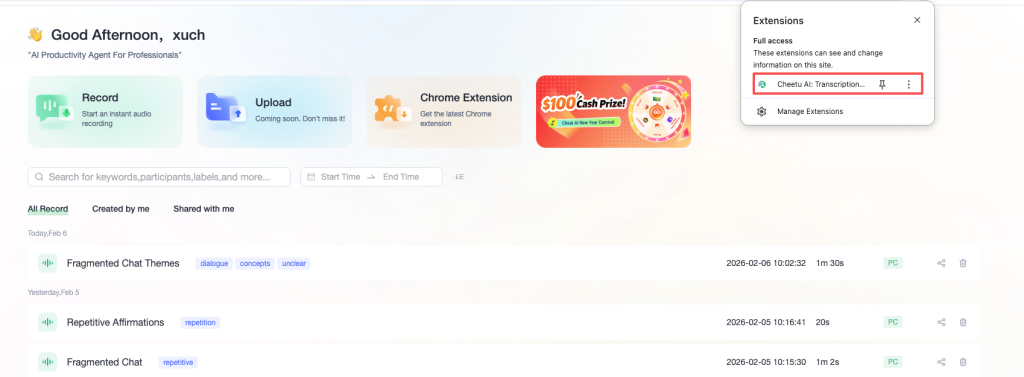
Open the Cheetu AI Chrome Extension.
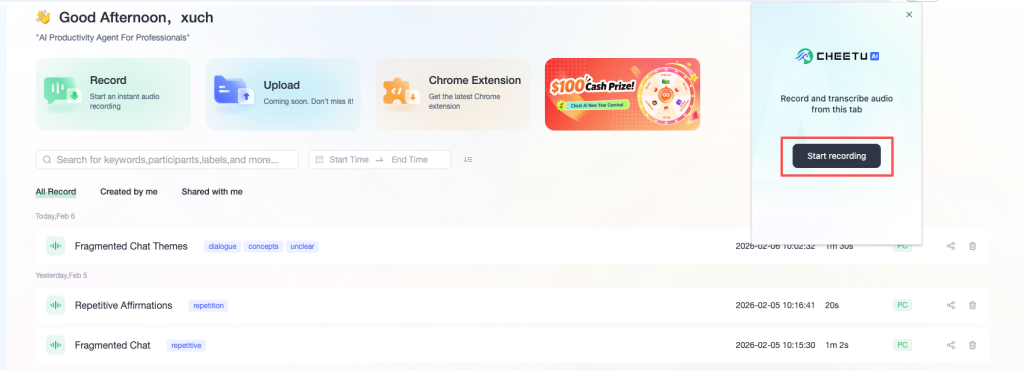
Click “Start Recording” in the pop-up window to open the transcription panel and begin transcription.
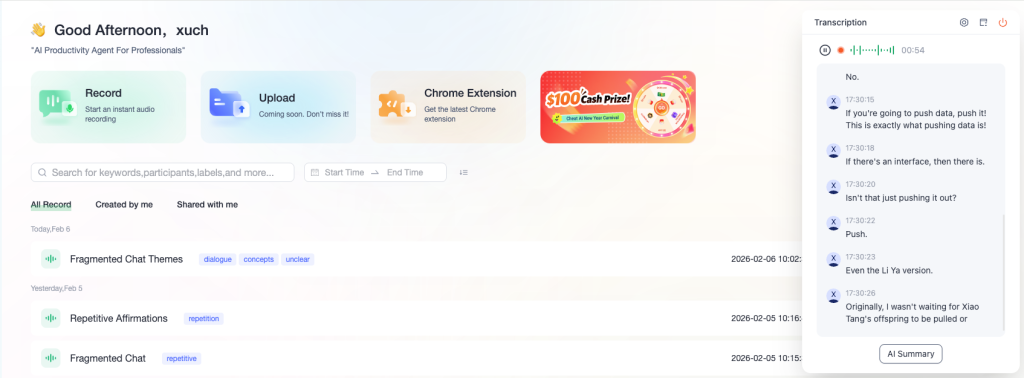
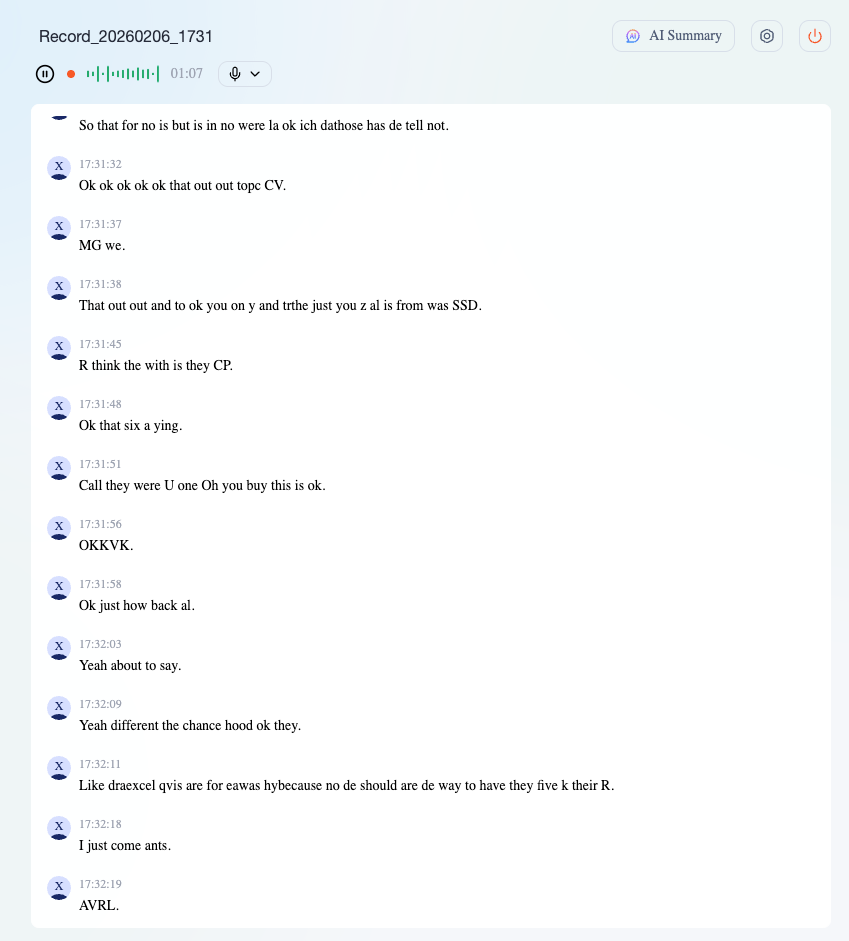
Speak into your microphone.The call will start recording and transcribe in real time.
Using Cheetu AI Web Transcription on PC
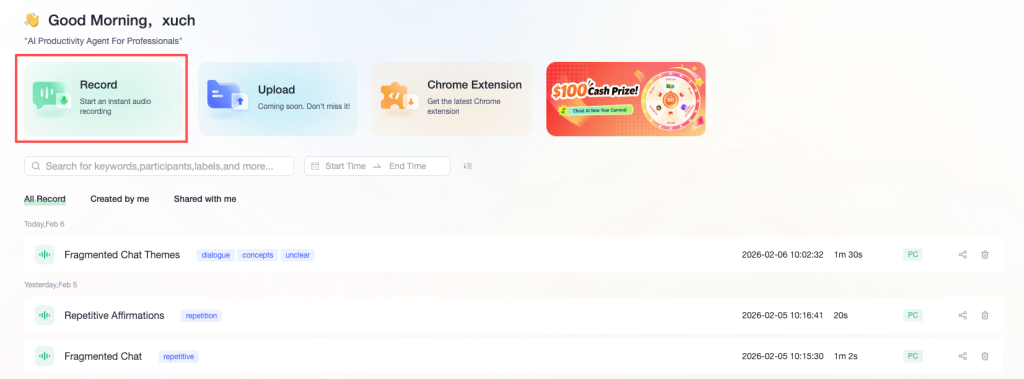
Open Cheetu AI, go to the Home page, and click “Record” to enter the transcription page.
Speak into your microphone. The call will start recording and transcribe in real time.
Requirements
Real-time transcription requires a stable internet connection.
No responses yet