
With Cheetu AI Chrome Extension , you can record, transcribe, and summarize audio directly in your browser with just a few taps. No complicated setup required – just click record
Transcribe your call in real time – Transcribe calls with system audio on any webpage, convert them into text in real time, and translate them into the corresponding language in real time.
Summarize your call – automatically generate a summary from the transcript and extract key action items for immediate follow-up.
Set up the Cheetu AI Chrome Extension
1. In Chrome browser, go to Cheetu AI Chrome Extension page and find it in the Chrome web store.
2. Click Add to Chrome , then check the permissions in the pop-up window and click Add extension to complete the installation.
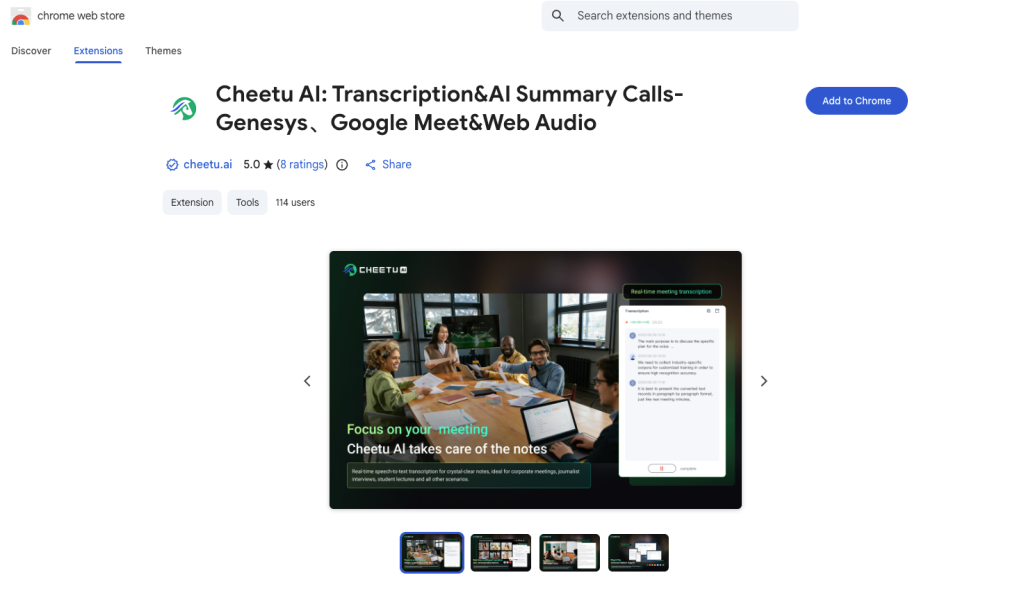
3. After installing the Cheetu AI Chrome Extension, you can use it immediately.
We recommend pinning the Cheetu AI extension for quick access .
Click the puzzle icon (extension) in the Chrome toolbar, find “Cheetu AI” in the dropdown list, and then click the pin icon to pin it to the toolbar.
4. Log in to your Cheetu AI account or create a new one to get started. All your call and text records will be automatically saved to Home for easy access.
No responses yet