
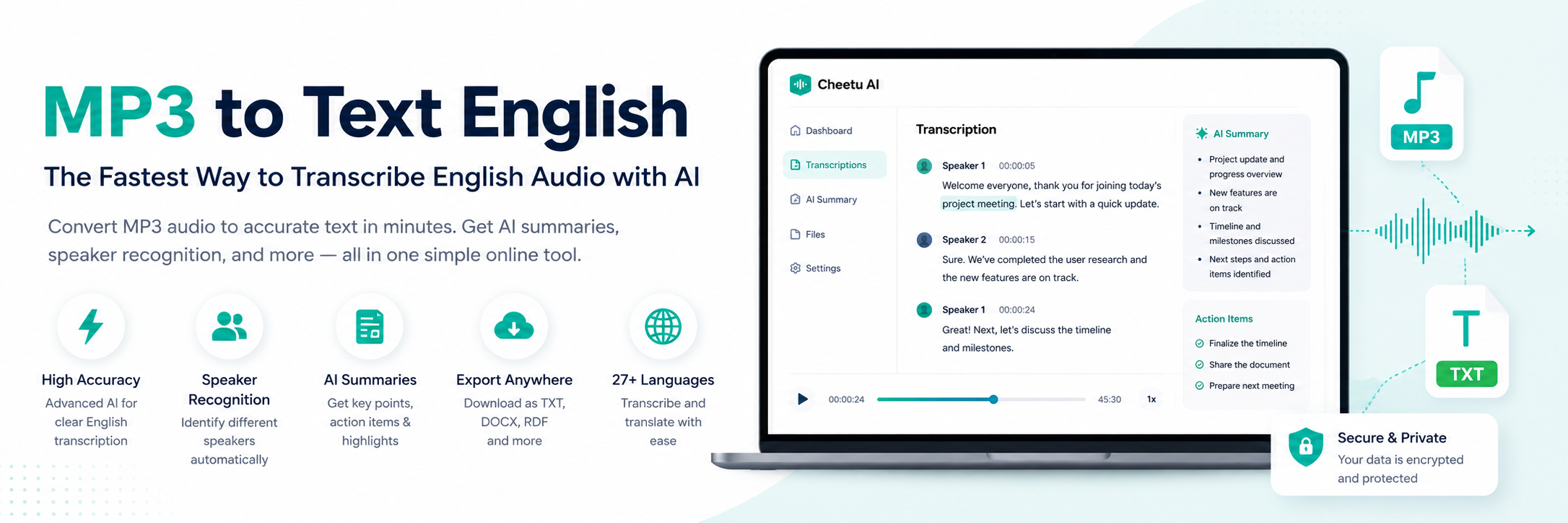
Whether you’re a student reviewing lectures, a journalist interviewing sources, a business professional recording meetings, or a content creator producing podcasts, converting MP3 to text English has become an essential part of modern workflows.
Instead of spending hours typing every spoken word manually, AI-powered transcription tools can accurately transform English audio into searchable, editable text in just minutes.
In this guide, you’ll learn how MP3 to text English technology works, what features matter most, and why thousands of users choose Cheetu AI for fast, accurate, and affordable English transcription.
Ready to get started? Create your free account today:
https://cheetu.ai/login?form=register
Why Convert MP3 to Text English?
Audio recordings contain valuable information, but they’re difficult to search, edit, and share. Converting MP3 to text English makes your content instantly accessible and much more useful.
Benefits include:
- Save hours of manual transcription
- Search conversations instantly
- Create meeting notes automatically
- Generate subtitles for videos
- Improve accessibility
- Repurpose audio into blogs, newsletters, and reports
Whether you have a one-minute voice memo or a two-hour interview, AI transcription dramatically improves productivity.
Common Use Cases for MP3 to Text English
Business Meetings
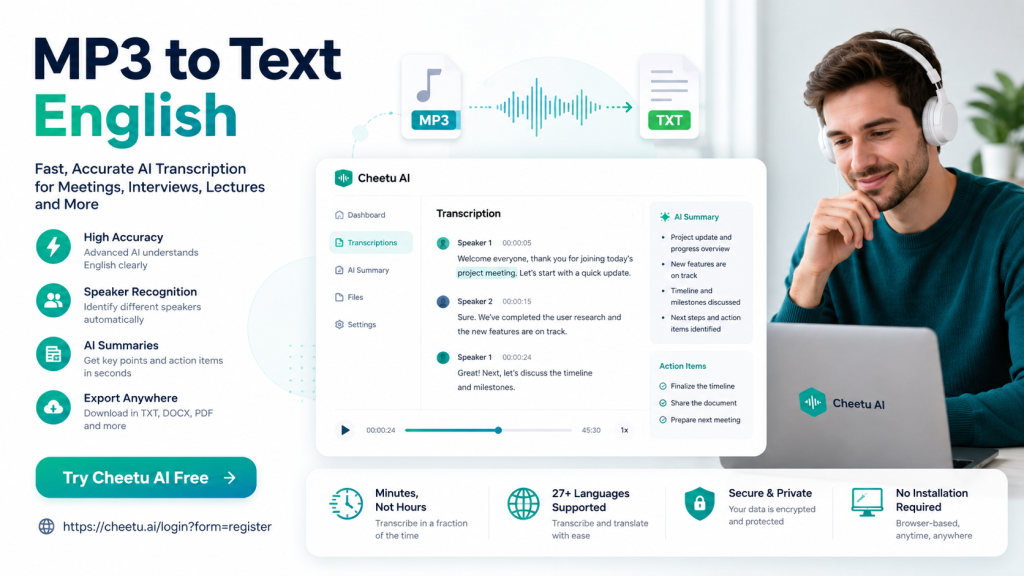
Automatically convert meeting recordings into organized transcripts with speaker recognition and AI-generated summaries, making follow-up easier for every team member.
Student Lectures
Transform lecture recordings into searchable study notes so you can review important topics without replaying hours of audio.
Podcasts
Convert podcast episodes into written articles, SEO content, newsletters, or social media posts to maximize every recording.
Interviews
Journalists, researchers, and HR professionals can quickly search interviews instead of manually listening through long recordings.
Customer Support Calls
Analyze customer conversations to improve service quality, identify recurring issues, and train support teams more effectively.
How AI Converts MP3 to Text English
Modern AI transcription technology follows a simple workflow:
- Upload your MP3 file.
- The AI detects spoken English.
- Speech is converted into text.
- Punctuation and formatting are added automatically.
- Speakers are identified when possible.
- AI generates summaries and highlights.
Most recordings are processed within just a few minutes.
Features to Look for in an MP3 to Text English Tool
High English Accuracy
Choose a transcription platform that understands different English accents, natural conversations, and varying speaking speeds.
Fast Processing
A quality AI tool should convert audio significantly faster than manual transcription.
Speaker Recognition
Automatically distinguish different speakers to keep conversations organized.
AI Summaries
Receive concise meeting notes, action items, and key takeaways without reading the entire transcript.
Editable Transcripts
Easily review, edit, and export transcripts whenever needed.
Multiple Export Options
Export transcripts in formats such as TXT, DOCX, or PDF for convenient sharing.
Why Choose Cheetu AI?
Cheetu AI is built for professionals who need reliable MP3 to text English transcription with a fast, simple workflow.
Accurate English Transcription
Cheetu AI delivers high-quality transcription for meetings, interviews, podcasts, lectures, and voice recordings.
AI-Powered Meeting Summaries
After transcription, Cheetu AI automatically generates:
- Meeting summaries
- Key points
- Action items
- Important decisions
Browser-Based Experience
No software installation is required. Simply upload your MP3 file and begin transcribing directly in your browser.
Multi-Language Support
While many users specifically need MP3 to text English, Cheetu AI also supports transcription and translation across multiple languages for international communication.
Affordable Pricing
Cheetu AI provides generous transcription minutes and excellent value compared with many traditional transcription platforms.
How to Convert MP3 to Text English with Cheetu AI
Step 1: Sign Up for Free
Create your account here:
https://cheetu.ai/login?form=register
Step 2: Upload Your MP3 File
Simply drag and drop your English audio recording.
Step 3: Start AI Transcription
The AI automatically begins processing your recording.
Step 4: Review Your Transcript
Make any edits if necessary.
Step 5: Export and Share
Download or copy the finished transcript for immediate use.
The complete process typically takes only a few minutes.
Tips for Better English Transcription Accuracy
To achieve the highest transcription quality:
- Record in a quiet environment.
- Use a quality microphone.
- Reduce background noise whenever possible.
- Avoid multiple people speaking simultaneously.
- Upload the original audio instead of compressed files.
These simple practices can significantly improve transcription accuracy.
Frequently Asked Questions
Can AI accurately convert MP3 to text English?
Yes. Modern AI speech recognition delivers excellent accuracy for clear English recordings and continues improving across different accents and speaking styles.
Can I edit the transcript?
Yes. Every transcript generated by Cheetu AI is fully editable before exporting.
Does Cheetu AI generate AI summaries?
Absolutely. In addition to converting MP3 to text English, Cheetu AI automatically creates summaries, action items, and key insights.
Can I transcribe meetings and interviews?
Yes. Cheetu AI works well for:
- Zoom recordings
- Google Meet recordings
- Microsoft Teams recordings
- Podcasts
- Interviews
- Lectures
- Voice memos
Final Thoughts
If you’re looking for the best MP3 to text English solution, focus on three essentials: accuracy, speed, and affordability.
Instead of spending hours typing recordings manually, Cheetu AI converts English audio into accurate, searchable text within minutes. With built-in AI summaries, speaker recognition, and multilingual support, it helps individuals and teams work more efficiently.
Start your free account today and experience a faster way to convert MP3 to text English:
No responses yet