
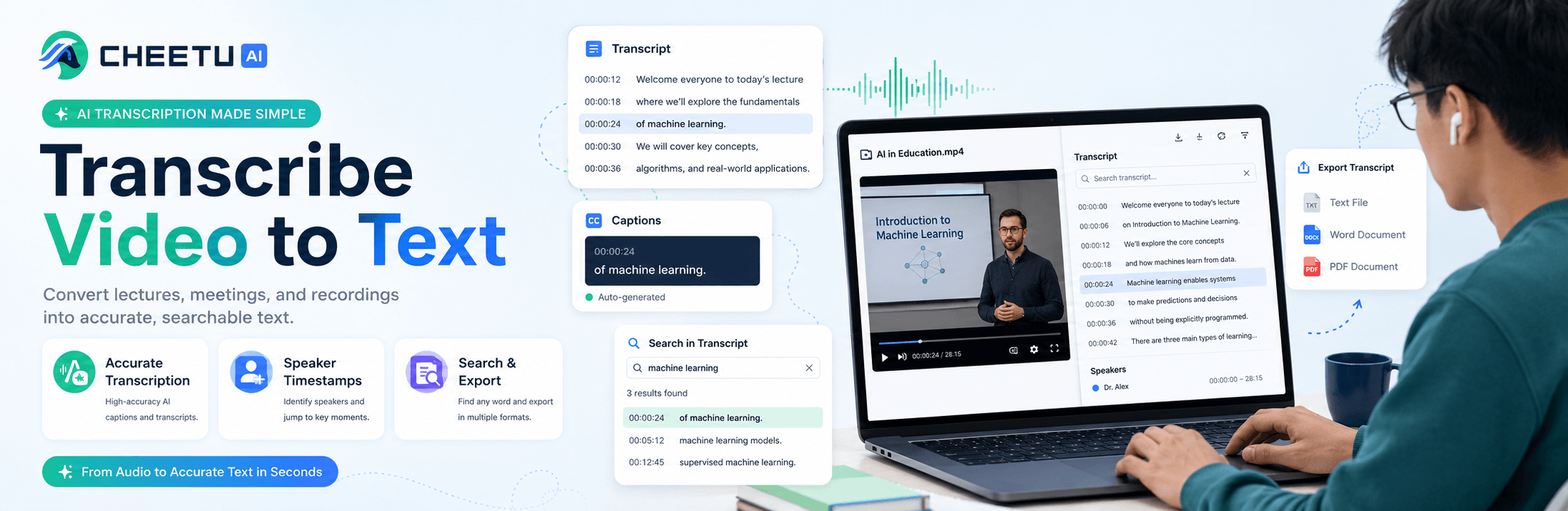
Audio to Text Converter: A Simple Guide for Creators
Audio to text converter has become an indispensable tool in the age of video. Video has been hailed as one of the most extraordinary tools for human communication, enjoying great popularity both at home and abroad.
For most content creators, video serves as an elixir with the help of smartphones. If smartphones open a window for us, then video links us to the rest of the world. Audio to text converter tools allow users to effortlessly transcribe spoken content into written text.
Furthermore, if people want to extract text from videos or optimize for SEO, they should be equipped with certain knowledge or rely on a tool that guides them to do so. That is precisely where a reliable audio to text converter steps in. That is the reason why our audio to text converter is here to help.
However, most creators find it time-consuming by using inaccurate free tools. Developed by top-notch elites skilled in technology and AI, our professional audio to text converter stands out over time and all the other tools pale in comparison with it. This article will dive deep into how to adopt this tool to lessen workload, improve efficiency and maximize its value for creators.
Why Creators Need a Reliable Audio to Text Converter
Compared with our audio to text converter, manual video transcription has many weaknesses, leading to numerous errors and complex terminology. Thus, creators have to spend extra time typing out dialogue and key points, shortening time away from content creation and editing. Additionally, untranscribed video content misses out on SEO opportunities—search engines can’t crawl video audio, so text transcripts help improve discoverability. Instead, our up-to-date audio to text converter guarantees accuracy and quality, putting consumers’ experience first.
Our audio to text converter relies greatly on the most advanced AI-related and live transcribe technology, converting video audio into accurate text in minutes and leading to efficiency and saving valuable time for content creators. This audio to text converter is the best choice we have if we are to edit a vlog, tutorial, or interview video, which will boost our productivity and make content much more accessible.
Step-by-Step Guide to Transcribe Video to Text for Creators
1. Prepare Before Transcription: Select the Right Tool and
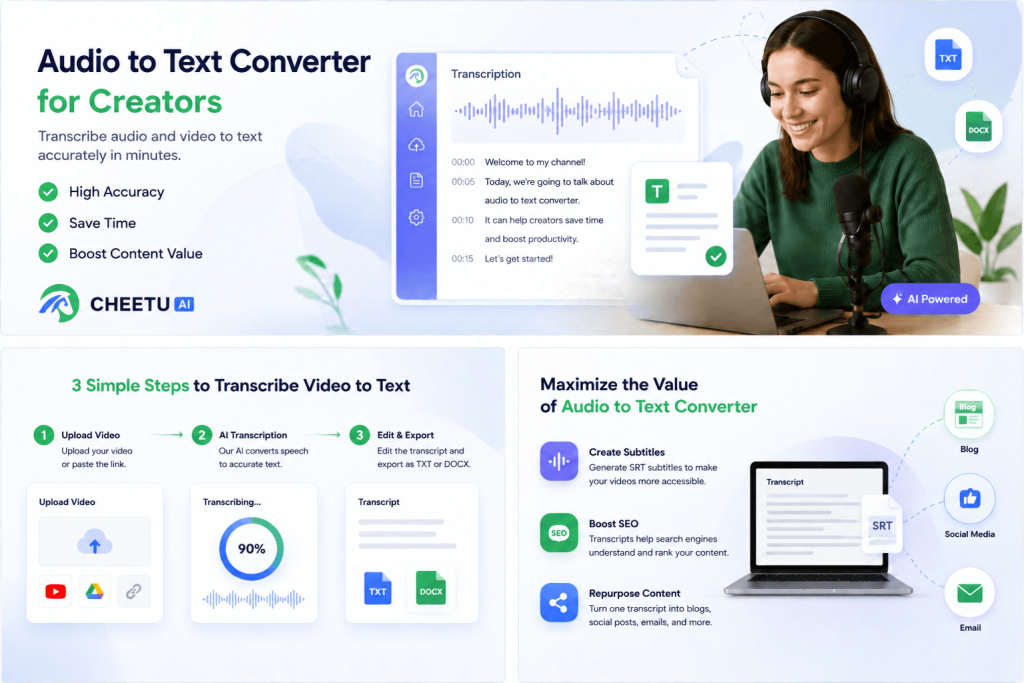
Before getting started, choose a quality audio to text converter that supports multiple video formats and ensures compatibility with your video files. If you submit a video with multiple languages or accents, our converter will translate these languages simultaneously, making your transcripts accessible to a global audience. Don’t be worried if your video has background noise because you can just remove the noise by clicking the setting to improve accuracy.
2. During Transcription: Upload Video and Customize Settings
Now we come to the step of uploading. You can either upload both your local files or direct links from platforms including YouTube in our audio to text converter. Then after processing, you can choose to output either TXT or DOCX type.
3. After Transcription: Edit and Optimize the Transcript
Once the transcription is complete, you can use the tool’s built-in editor to refine the text to meet your demands. Also, you can correct any minor errors, add punctuation, and adjust formatting to beautify your article. For SEO optimization, you can incorporate relevant keywords into the transcript, which helps your video and accompanying text rank higher in search results. You can also use the summary AI function to extract key points from the transcript, which is perfect for creating video descriptions, blog posts, or social media captions.
Practical Tips to Maximize the Value of Audio to Text Converter
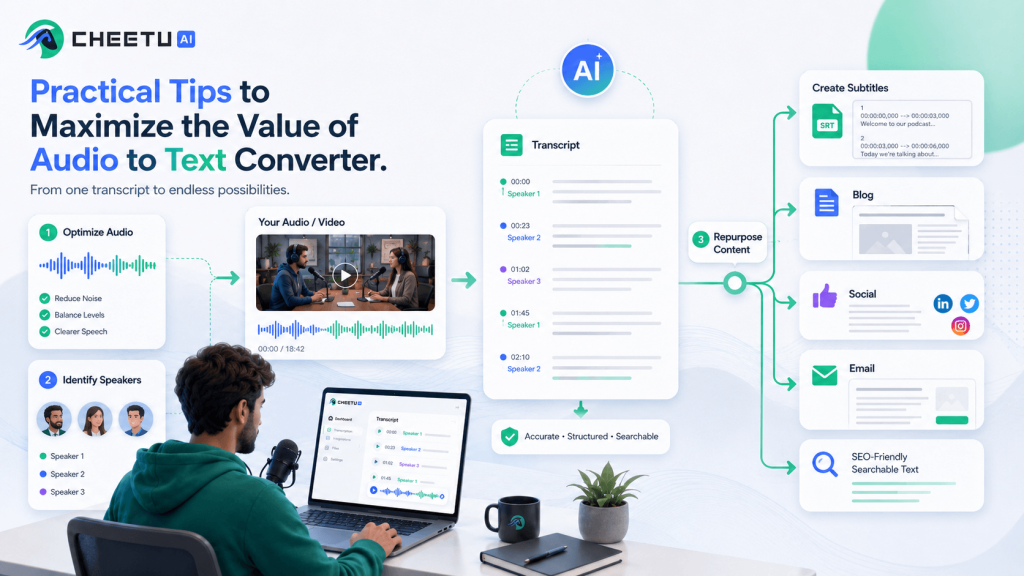
1. Optimize your audio beforehand. Before you upload your video, you should ensure a clear background with little noise and choose proper language and accent. If there are multiple speakers, you can label each of them, making it accurate and readable, which will greatly lessen your workload in post-editing.
2. Use subtitle creation: Convert your video transcript to SRT format using the tool, then import it into your video editing software to create accurate, synchronized subtitles which improve accessibility for viewers with hearing impairments and those who watch videos without sound.
3. Apply your content on various platforms. You can organize your high-quality transcripted content into numerous styles. Long articles can be applied to blogs, short ones can be put into social media and key points can be sent as emails. One transcription can be adopted in many channels, saving time, broadening content coverage and boosting SEO outcome.
Conclusion: Simplify Transcription, Boost Content Value
With the help of our audio to text converter, creators find it much more convenient to transcribe vedio to text, which greatly reduces their workload. Therefore, creators will spend their valuable time in producing creative ideas to make a bigger influence online backed by our audio to text converter. By doing the abovementioned tips, creators can alone work as a giant company if they adopt our smart tool, producing high-quality summary and maximizing the sheer intelligence and resources of their own.

No responses yet